Record
Press ⌥⌘R from anywhere. Screen, window or area, with mic, camera and system audio if you want them.
Record your screen. Capta cuts the dead air, calms the mouse, zooms in on your clicks and captions your voice, all on your Mac.
Free, no watermark · 52.4 MB · v0.9.57, October 18, 2026
Used by piggies at
Piggies not independently verified.
While you record, Capta watches your clicks, typing and scrolling. When you stop, the edit exists.
Press ⌥⌘R from anywhere. Screen, window or area, with mic, camera and system audio if you want them.
Capta reads the button or field under each click and glides to it. Pauses go, typing runs faster.
Talk while you record. Capta transcribes you on your Mac and keeps every cut away from your sentences.
Up to 4K at 60 fps, as MP4, GIF or straight to the clipboard. Or switch to Guide for a document.
Walkthroughs: how to move your mouse for a smooth recording, record a demo video on a Mac, make a GIF, cut a vertical clip, add captions.
Change the look, drag a zoom, fix a caption, or switch to Guide for a document. Or don't, and export.
Play the edit, nudge a zoom, then put the take on a laptop in a café with one click. Every change previews at once and can be undone.
⌥⌘R opens it: record or screenshot a window, the screen or an area, and pick the microphone, camera and system audio under Options. On a MacBook with a notch, the countdown, the time and Stop sit beside the notch.

Switch the editor to Guide and every click becomes a numbered screenshot with the control boxed and a sentence under it. Export it as a PDF, or push it into Hudu. How it works.
On a MacBook with a notch, Capta's piggy sits right beside it, breathing, blinking and twitching an ear. Click it for the menu. While you record, the time, Pause and Stop sit there instead of over your screen, and never in the recording.
Pick one of 29 photographed scenes and your recording plays on the device's screen, in perspective, with the pointer on it. The zooms push into the photo toward what you click, or hold the shot you framed.
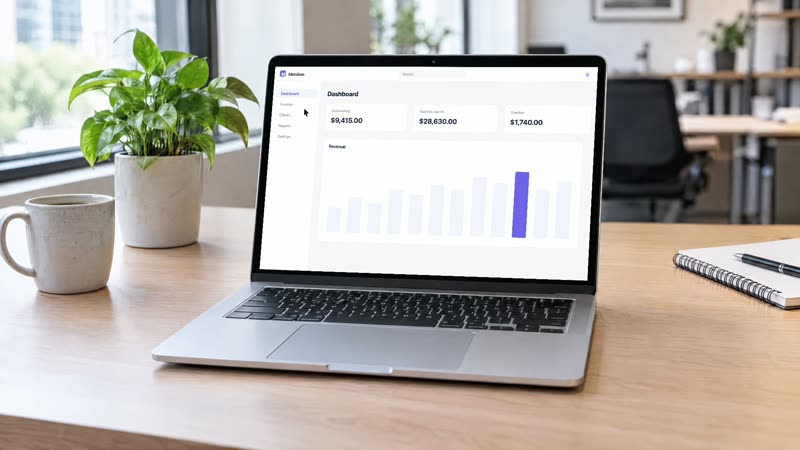
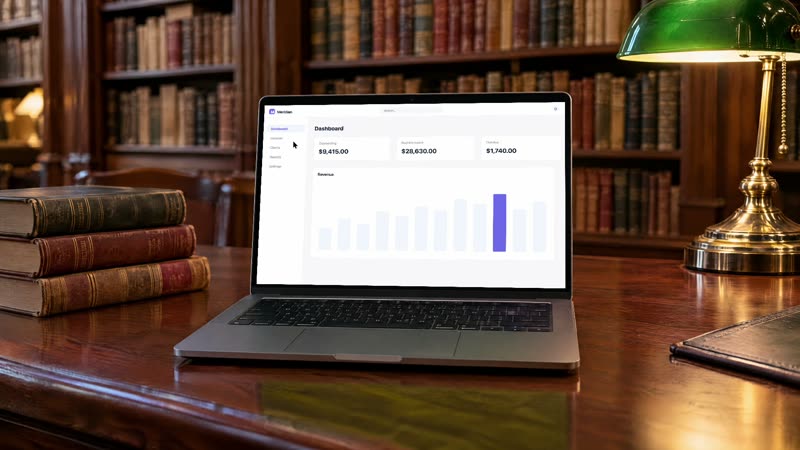
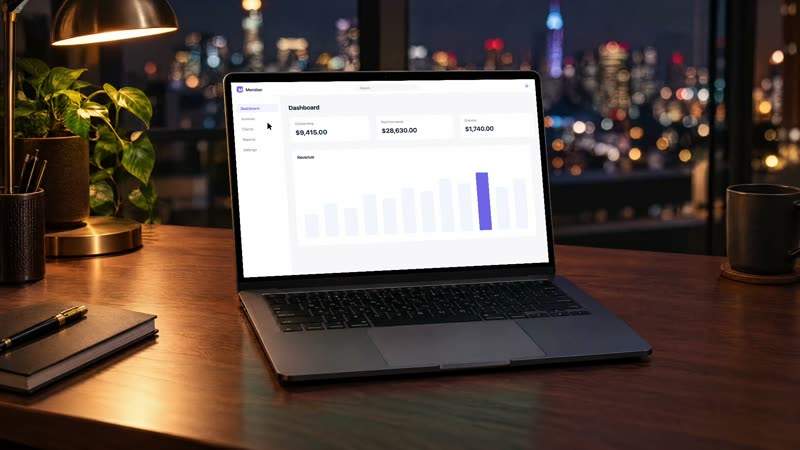
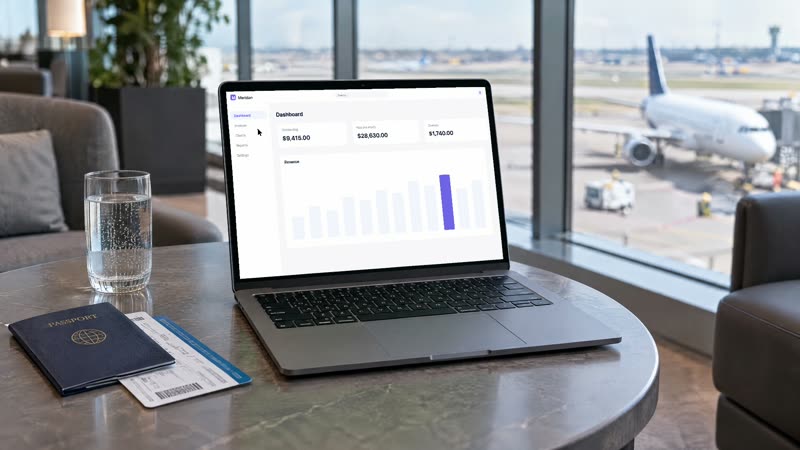
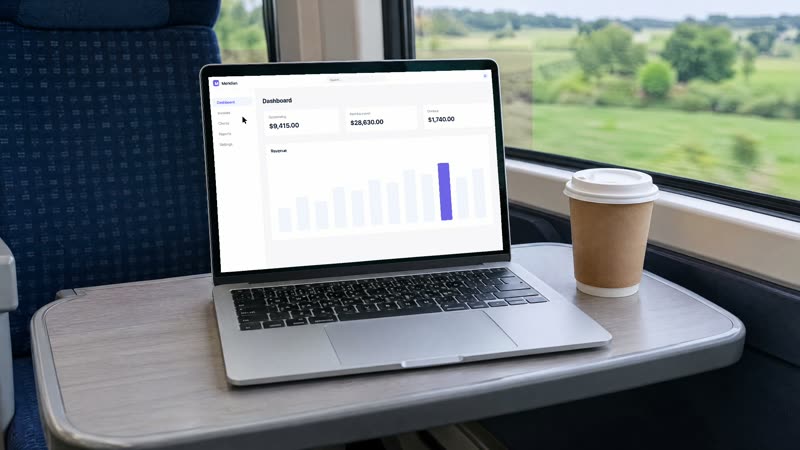
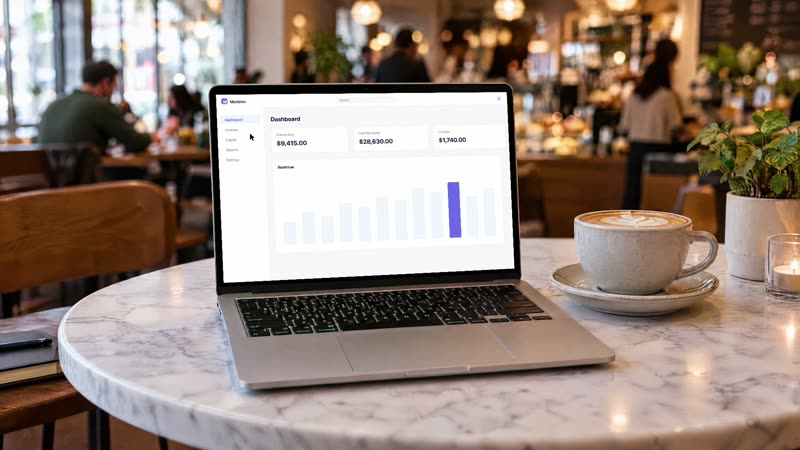
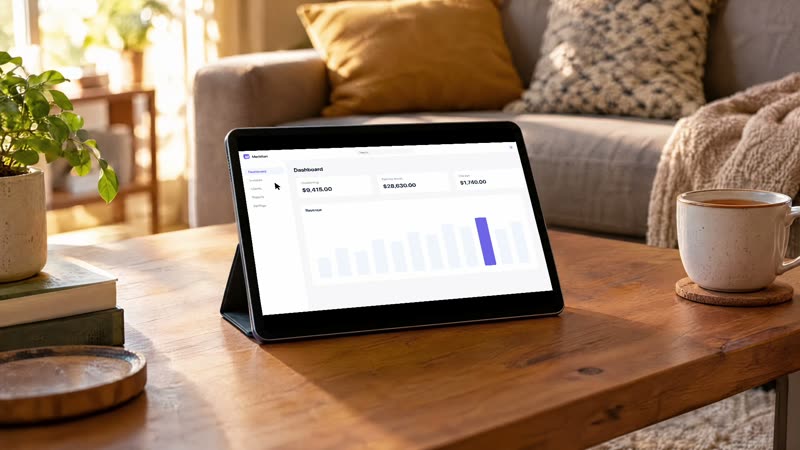
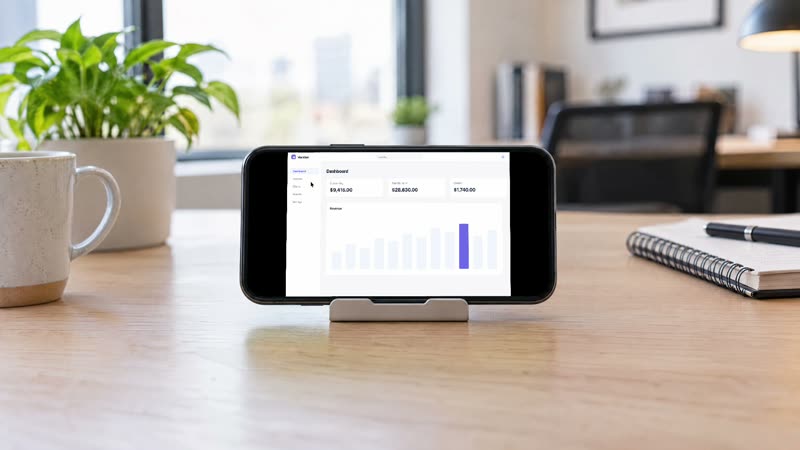
15 laptops · 3 displays · 5 tablets · 6 phones · framing from the whole room to the screen
Pauses go; typing and loading run at double speed with eased ramps. A minute of fumbling comes back as thirty seconds.
Drop in a track and Capta reads its tempo on your Mac, landing each cut on the grid with the music lowered under your voice.
Your narration at one level, fans, hum and room hiss learned from the pauses and gated out.
Eight bubble shapes in a corner, or a camera column beside the video. Room blurred, live from the countdown on.
Seven designs, classic to cinematic, in your accent colour on your own backdrop, previewed live.
Shortcuts as chips that type out live. Typed text only if you ask, never from a password field.
Title, caption, chapters and a social post from what happened on screen, by a small model you download once or Apple Intelligence.
One click copies the export to your iCloud Drive and Apple's sharing sheet hands you a URL anyone can open.
| Price | Free. Every feature, no watermark, no account, no trial, no subscription. |
|---|---|
| Requirements | macOS 14 or later on an Apple silicon Mac (M1 and later). Not available for Intel Macs. |
| Download | 52.4 MB DMG, signed with a Developer ID and notarized by Apple. Current version 0.9.57, October 18, 2026. |
| Export formats | MP4 (H.264 or HEVC), GIF, a poster PNG, or straight to the clipboard. Guides as PDF, Markdown, HTML, rich text on the clipboard, or pushed into Hudu. |
| Sizes | 16:9, vertical or square, up to 4K at 60 fps. |
| Shortcuts | ⌥⌘R capture panel and stop, ⌥⌘5 record the front window, ⌥⌘P pause. All re-recordable in Settings. |
| Where recordings live | ~/Movies/Capta by default, one plain folder per recording; the whole library can be moved to another folder or drive. |
| Network | Anonymous usage events (no identifier kept, off with one switch in Settings). Optional weekly update checks, music search/downloads, Qwen and Apple speech-model installation and user-initiated iCloud sharing may use the network. |
| Automatic captions | Automatic captions use downloadable Qwen models on macOS 14+, or Apple Speech on macOS 26+. Select the caption provider separately from writing models in Settings → Models. Qwen caption downloads total 1.84 GB; transcription stays on your Mac. |
| Apple Intelligence | Optional Apple Intelligence on macOS 26+, or downloadable Qwen3 models. Select a provider in Settings → Models; templates work without downloads. |
Wondering how it compares? Capta against Screen Studio, Loom, CleanShot X and more, and what people make with it.
Yes. Every feature, no watermark, no account, no trial, no subscription.
No. Capta needs macOS 14 or later on an Apple silicon Mac (M1 and later); the on-device analysis, transcription and rendering rely on it.
No. Recording, the edit, transcription and rendering run on your Mac, and there is no account. The app sends anonymous usage events, never your recordings, and one switch in Settings turns them off. Share copies a video to your own iCloud Drive only when you press it. The privacy policy spells it out.
While you record, Capta watches your clicks, typing and scrolling. It zooms in on what you clicked, cuts dead air, speeds up typing and lands cuts on the beat of your music. Drag, stretch or delete any zoom afterwards.
Turn the mic on and talk. Capta transcribes on the Mac, with downloadable Qwen models on macOS 14 or later or Apple Speech on macOS 26 or later, keeps cuts away from your sentences and burns the captions in. The captions guide walks through it.
Yes, from the same recording. Switch the editor to Guide: each click becomes a numbered screenshot with the control boxed and a sentence under it, and typing and shortcuts get steps of their own. Fix what a reader would trip on, then export or push it into Hudu. The guide walkthrough shows the five steps.
Yes. Pick a camera in the recorder and it sits in a bubble in one of eight shapes, from a circle to a pill, or in a column on the left or right while the screen zooms beside it. Size, corners and column width are yours to set.
MP4 in H.264 or HEVC, GIF, a poster PNG, or the clipboard, in 16:9, vertical or square, up to 4K at 60 fps, with presets for YouTube, X, Reels, the App Store and README GIFs. More on the support page.
Capta is built by Gjorge Karakabakov, a senior software engineer in Skopje with more than ten years of shipping products. Every line of the app and every reply to support mail come from the same person.
Element detection, beat analysis, speech transcription, the Apple Intelligence features, the edit engine and the renderer run on your machine. Capta has no account system; its anonymous usage events carry no identifier and switch off in Settings. Speech-model installation may need a download, and weekly update checks are opt-in. Share copies a video to your own iCloud Drive, and only when you press it. Read the privacy policy.

Free, no watermark, 52.4 MB, signed and notarized. Nothing to sign up for.
Download CaptamacOS 14 or later, Apple silicon · Signed & notarized